 Coming soon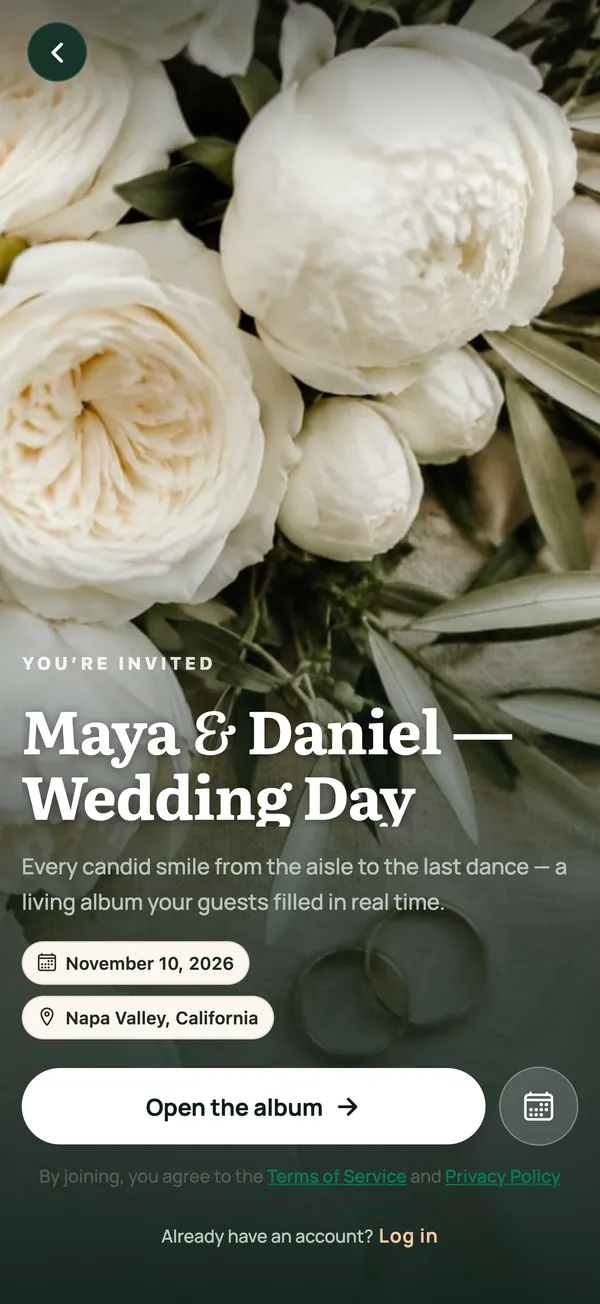
Scan and you're in
Print it on table cards, add it to the invitation, or show it on the screen behind the stage.

The living album for weddings and gatherings.
Make it feel special without chasing guests for photos afterwards. Put a QR on the table and every photo, video and voice note lands in one album.

Create on the web or in the iPhone app; guests need neither. Tell guests their photos and voices go into a shared album.
The album you can hear.
Guests scan the QR and upload from their phone's browser.
Guests add a name if they like. No sign-up.
If the signal drops, uploads retry on their own.
A host's story
Weeks before · Invite
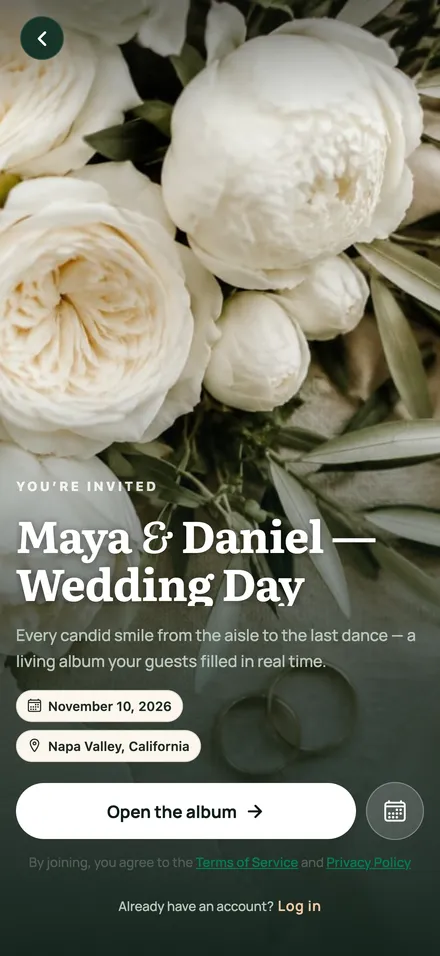
She adds a photo, the date and the place. In a few minutes the invitation is ready, with one link and one QR.
7:30 pm · Scan
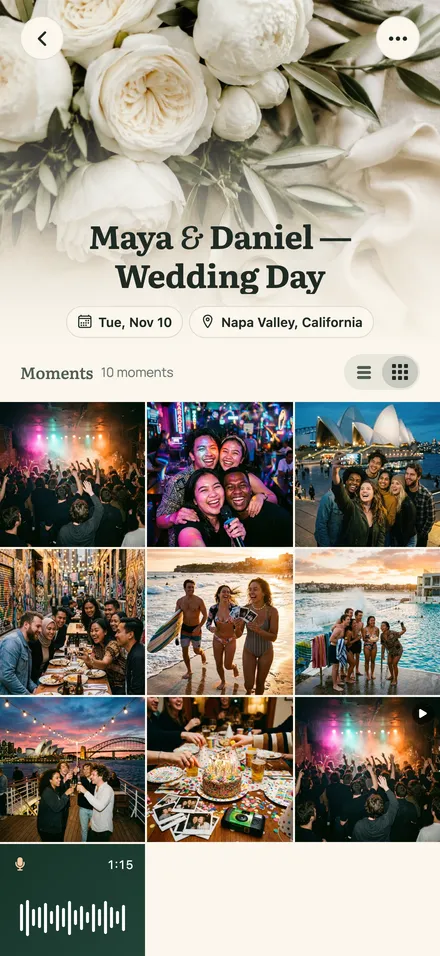
The QR sits on the table. Her cousin at table 6, her boss by the desserts, the aunt who films everything vertically: it all lands in one album.
9:30 pm · Voices
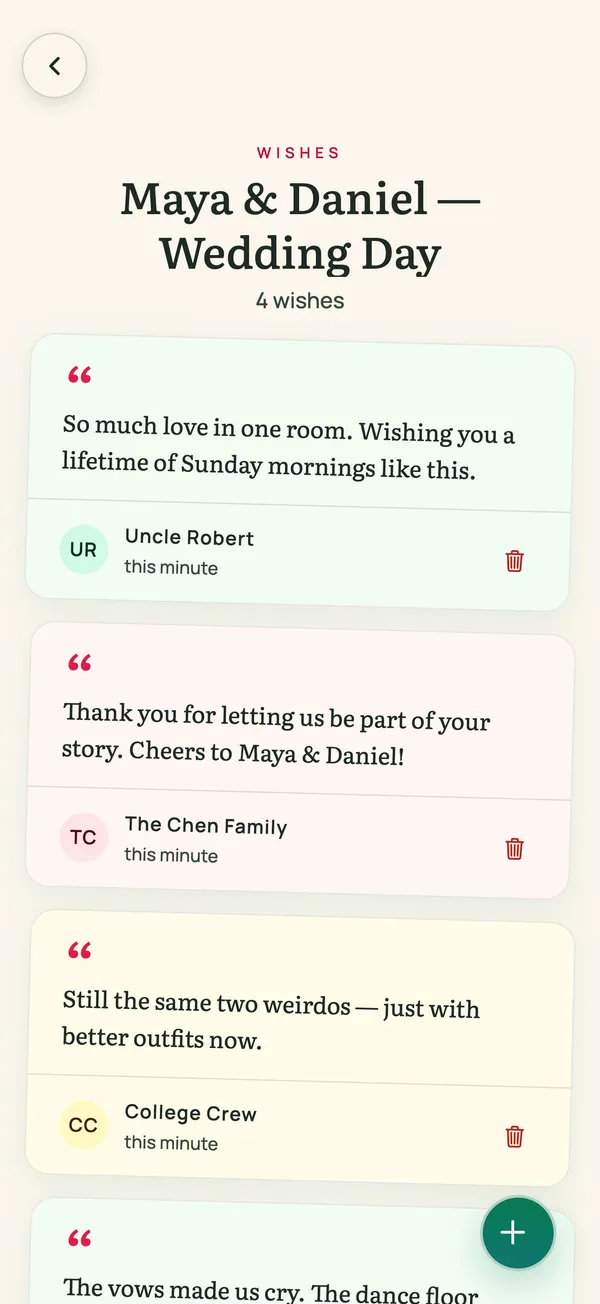
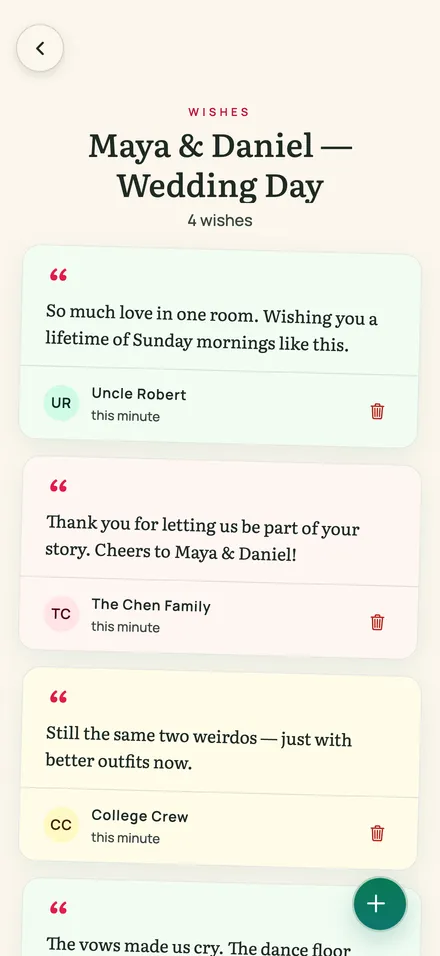
Guests leave a voice note or a wish in the guestbook. The party screen plays it all live.
Next morning · Relive
Photos, video, voices and wishes are already in one place. Nobody to chase.
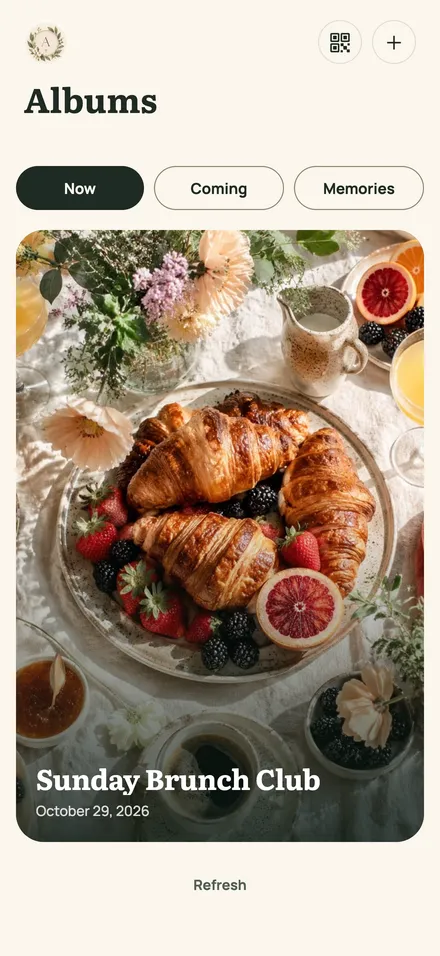
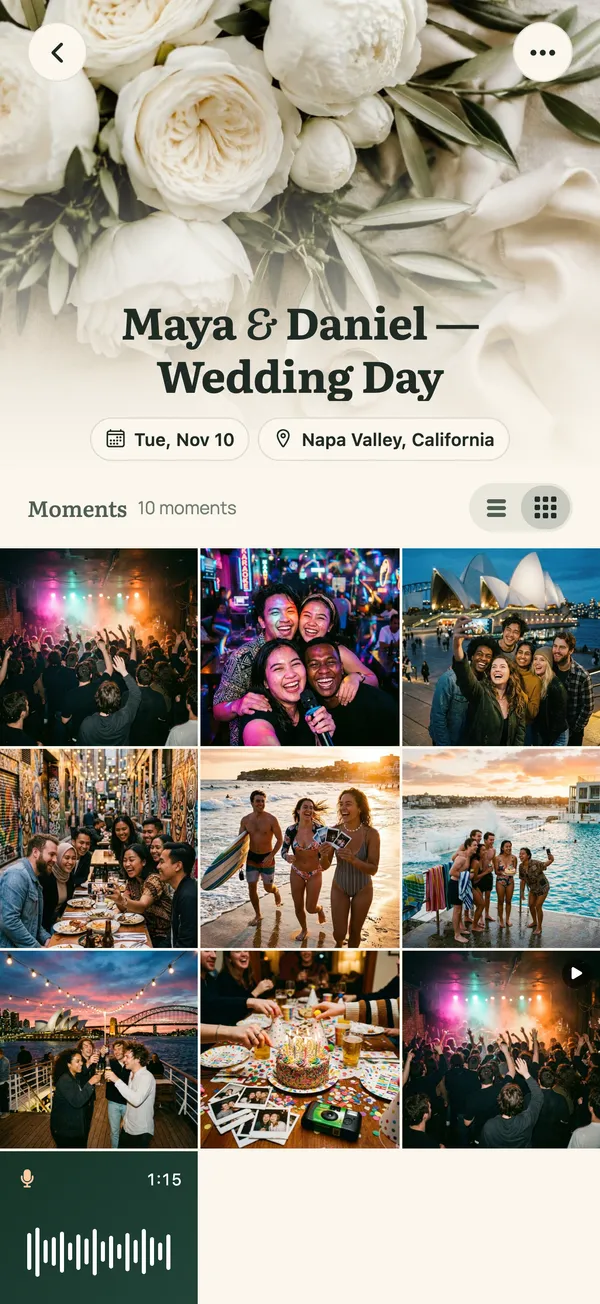
The living album
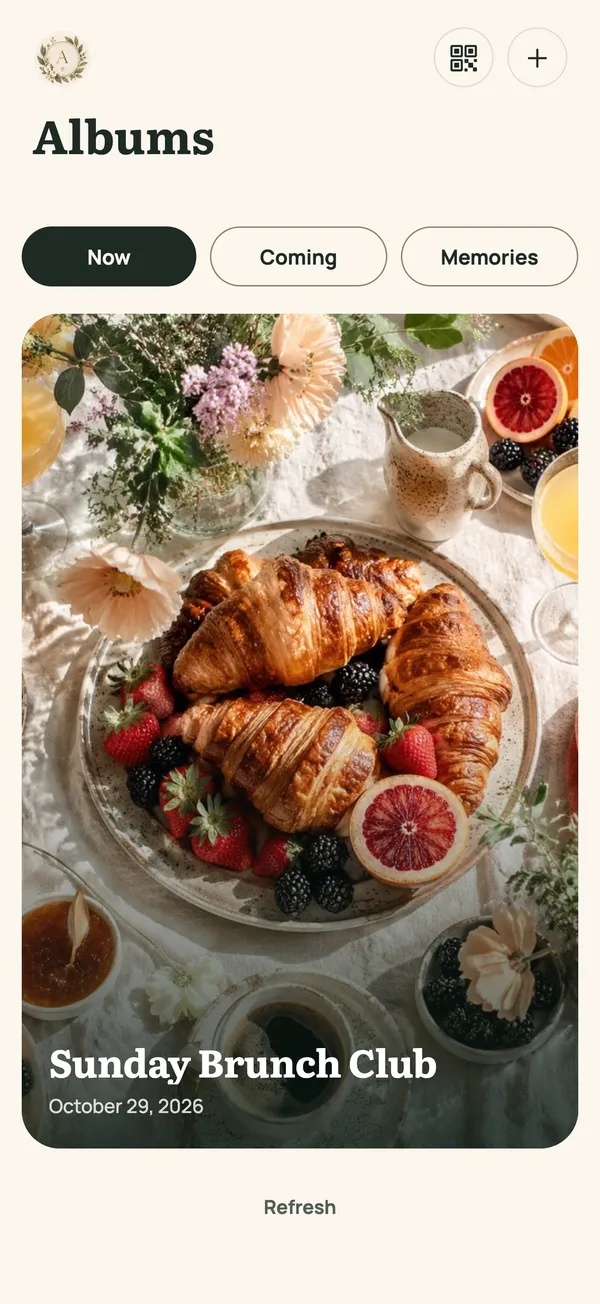
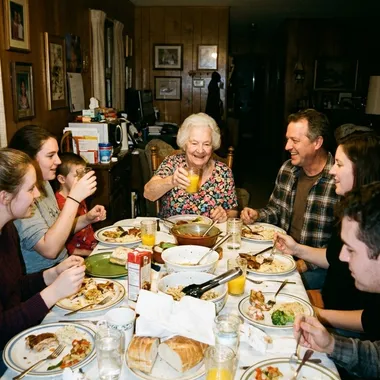
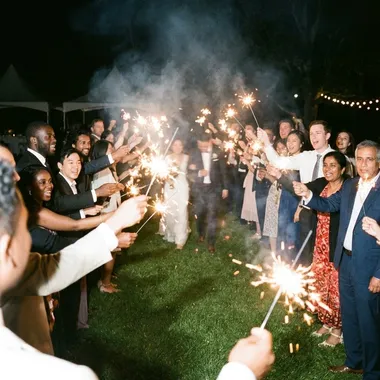
Guests see each other's shots as they come in. Grandparents can follow from home too.




The album you can hear
Guests can leave a voice note, recorded in the browser. On the party screen it plays with its photo, so the day sounds like the day.
Guests record in the browser.
Each voice note arrives with the guest's name, next to the photos.
Open the party-screen link on any TV or laptop. The album plays live, with sound.
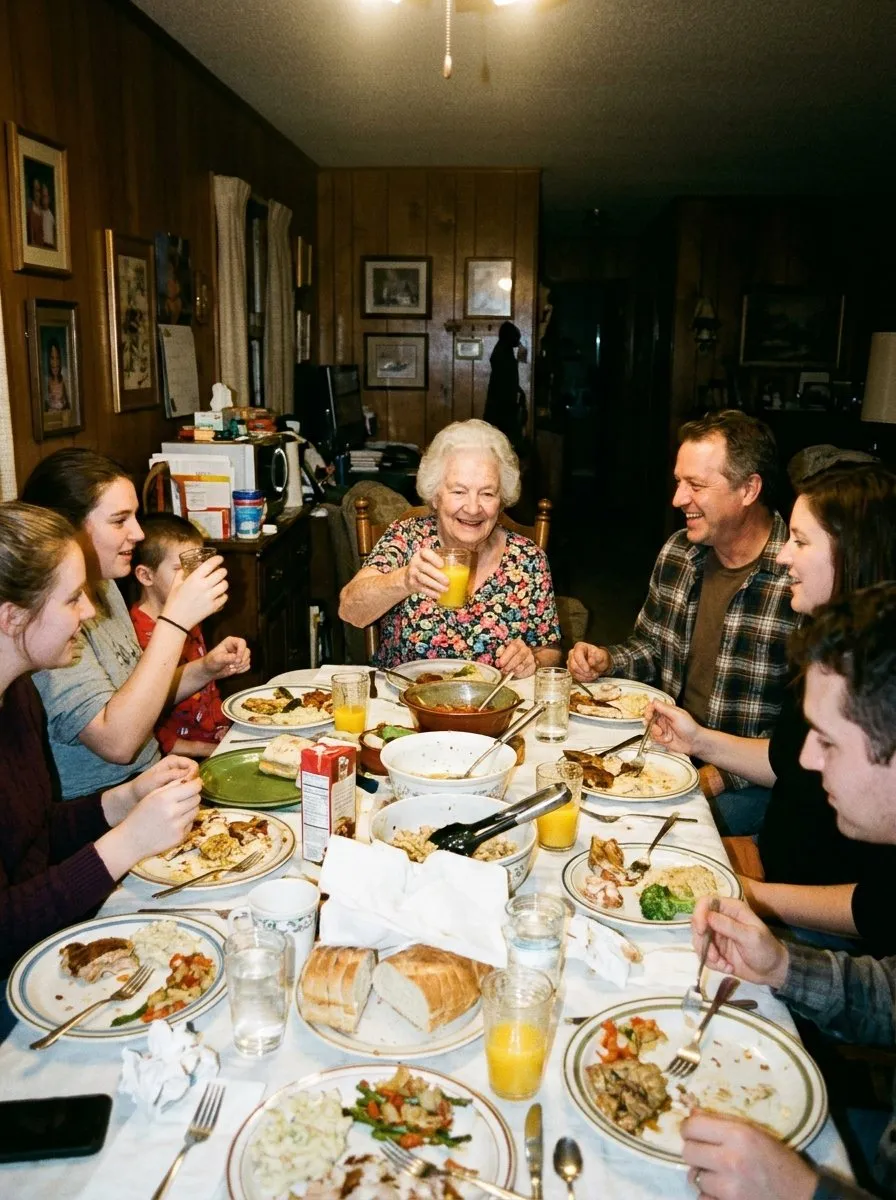
Party screen · Grandma's toast
Features
Print it on table cards, add it to the invitation, or show it on the screen behind the stage.
1,284 memories in Ana & Sam's album
Demo album


Photos, clips and voice notes arrive during the party, not three weeks later.
Grandma's blessing, in her own voice. A photo can't hold that.
Anyone with the link can add photos, clips and voice notes.
Anyone with your link can open the album, so share it with care. When the party is over, set it to view only or close it. You can remove any memory.
Old phone or new, iPhone or Android: if it has a browser and a camera, it works.
Any kind of get-together
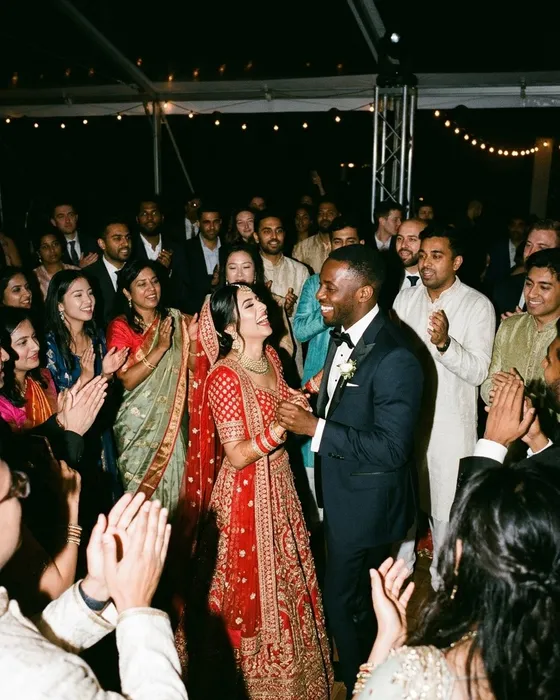
Weddings
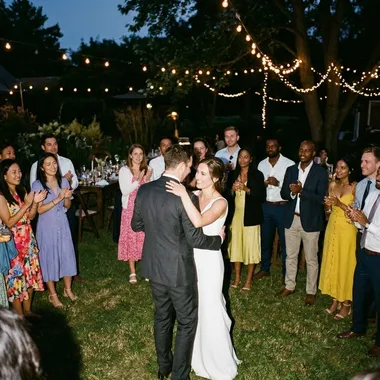
200 guests, 200 angles on the first dance.
Birthdays
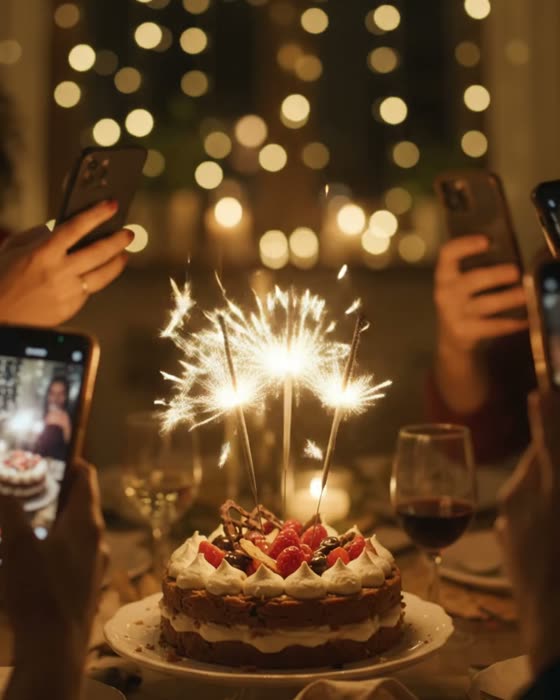
Someone always catches the candles going out. Now you'll see it.
Reunions
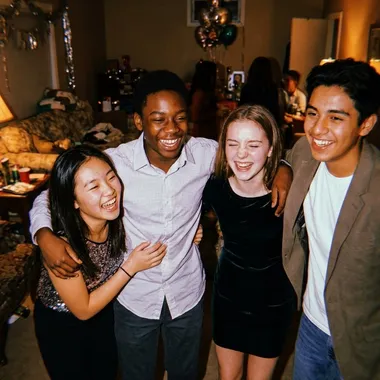
One album for the whole class, not twelve group chats.
Graduations
The cap toss, from the third row and the balcony.

Company nights
Team dinners and launch parties, no app rollout needed.
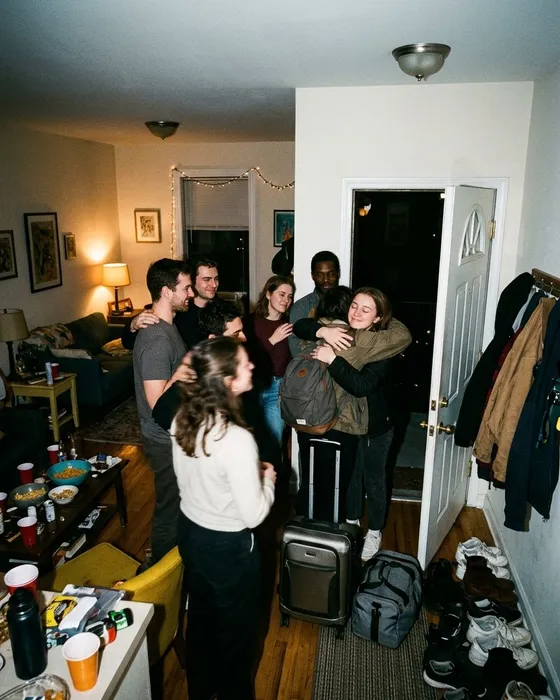
Trips and farewells
The whole trip in one place before everyone heads home.
Pricing
Your first album is free. For a bigger event, pick the full album.
$0your first album, no card
$29.99per album, one year included
Renew for $14.99 a year if you want to keep it; nothing renews automatically. Add 10 GB for $9.99. On the web you pay in USD, with tax shown at checkout; in the iPhone app the App Store shows your local price.
FAQ
No. Guests scan the QR or open the link in any browser, add a name if they like, and upload. No account, no download.
If the phone has a browser and a camera, it works.
Photos, videos and voice notes, plus a written wish in the guestbook. The free album has all of this; a paid album adds storage and time.
Yes. Everyone with the link sees new memories as they arrive. After the event you can close uploads and keep it view-only.
Every feature is on both. The difference is room and time: 200 MB for 90 days on the free album, 10 GB for a year on a MyMemora Album.
A free album is kept for 90 days. A paid album is kept for one year, and you can renew it for $14.99.
Nothing disappears at once. The album stays open for 90 days after it expires, then becomes read-only, and is permanently deleted 180 days after it expires. Nothing renews automatically, so export a ZIP first if you do not plan to keep it.
By storage, not by count: 200 MB on the free album, 10 GB on a MyMemora Album, plus 10 GB more for $9.99.
Yes. Export the whole album as a ZIP from the app at any time. This works on free albums too.
Anyone with your link or QR can open the album. The app asks search engines not to list it, which is a request, not a lock. You can close the album or remove any memory.
Android guests can join from their browser today. The Android host app is in testing; hosts can create albums on the web or in the iPhone app meanwhile.
Open the party-screen link on any laptop or smart-TV browser. New memories play as they land, no cables or casting.
Start free: no card needed for your first album.
Create your albumCreate on the web or in the iPhone app; guests need neither. Tell guests their photos and voices go into a shared album.
Share one link or QR. Your guests take it from there.